
10 Powerful Ways Our Advanced All ID Card Maker Works | Free & Online
Introduction: A New Era of Digital ID Card Creation
In today’s digital world, the need for professional identification is universal—whether for employees, students, event attendees, or organizational members. Yet, creating a polished, secure, and customizable ID card has traditionally required expensive software, graphic design skills, or outsourcing to third-party vendors.
The Advanced All ID Card Maker emerges as a comprehensive, web-based solution designed to bridge this gap. This intuitive online tool empowers anyone—regardless of technical expertise—to design, customize, and download professional-grade ID cards in minutes. By combining a user-friendly interface with robust editing features, it transforms a complex task into a simple, streamlined process.
The Real-World Problem: Why Traditional ID Creation Falls Short
Before diving into the solution, let’s understand the common pain points:
Costly Software & Subscriptions: Professional design tools like Adobe Photoshop require significant investment and a learning curve.
Time-Consuming Processes: Designing from scratch, aligning elements, and ensuring print-ready quality consumes valuable time.
Lack of Flexibility: Pre-made templates often don’t fit specific organizational branding or unique data requirements.
Technical Barriers: Not everyone has the skills to manipulate layers, set up bleeds, or export in the correct format.
Security & Privacy Concerns: Uploading sensitive personal information to unknown third-party services poses a risk.
These challenges often lead to compromised, unprofessional-looking IDs or unnecessary expenditure.
How the Advanced All ID Card Maker Solves These Problems
This online tool is engineered to address each issue directly:
Eliminates Cost: It’s completely free to use with no hidden fees or subscriptions, running directly in your web browser.
Saves Time: With a guided, three-step process and pre-built templates for various categories, you go from blank page to finished design in under five minutes.
Offers Maximum Flexibility: A built-in design canvas powered by Fabric.js allows for drag-and-drop customization of every element.
Removes Technical Barriers: The intuitive point-and-click interface requires no prior design knowledge.
Ensures Privacy: All processing happens client-side in your browser. Your data and photos never need to be uploaded to a server.
Deep Dive: Core Features & Real Capabilities
Let’s explore the actual features of the tool, as confirmed by its code, and how you can benefit from them.
- Smart Category-Based Templates
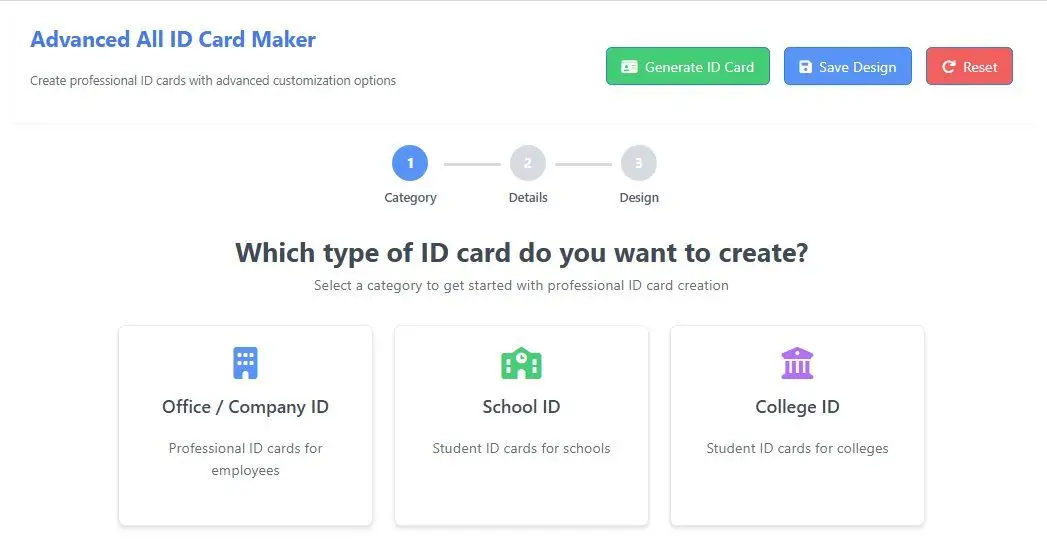
The tool starts by asking you to select the purpose of your ID card. This isn’t just for show—it dynamically changes the form you fill out next.
- What it does: Choosing “Office / Company ID” will generate fields for Employee ID, Department, and Company Name. Selecting “School ID” creates fields for Class, Roll Number, and School Name.
- Why it’s useful: It ensures you collect all the relevant information upfront, preventing you from forgetting crucial details later. It tailors the process to your specific use case.
- Who should use it: Perfect for HR managers, school administrators, event coordinators, and NGO managers who need to issue IDs for different groups.
- Real-Time Preview with Customization
A standout feature is the live preview pane that updates as you type.
- What it does: As you fill in the form in Step 2, a preview canvas instantly displays how the data will appear on the card. You can simultaneously adjust font family, size, text color, and title color.
- Why it’s useful: You see the impact of your choices immediately. Want the titles in blue and details in dark gray? Change it and see the result live, eliminating guesswork.
- Who should use it: Anyone focused on branding and visual consistency, ensuring the ID card aligns with organizational colors and typography.
- Advanced In-Browser Design Canvas (Step 3)
This is the heart of the tool. After filling your details, you enter a full-fledged design studio.
- What it does: It loads your formatted information onto a larger canvas where every element (text blocks, titles, lines) is positioned. You can then add new elements like photos, logos, QR codes, and custom text boxes.
- Why it’s useful: It gives you complete creative control. Need to move the title? Drag it. Want to add a company logo? Upload it and place it precisely. This mimics professional design software but within a simplified interface.
- Who should use it: Users who need to go beyond basic templates and create a truly custom ID card layout.
- Professional Element Management
The tool’s Fabric.js backbone allows for sophisticated object manipulation.
- What it does: You can select any added element (photo, logo, text box) to move, resize, or rotate it. A right-click context menu or delete key allows for quick removal.
- Why it’s useful: It prevents frustration. Made a mistake? Simply delete the element. Need to align the logo with the header? Nudge it pixel by pixel. This precision is key for a professional outcome.
- Who should use it: Detail-oriented users and those creating ID cards that require specific branding placements.
- Smart Photo & QR Code Integration
Adding visual elements is streamlined and intelligent.
- What it does:
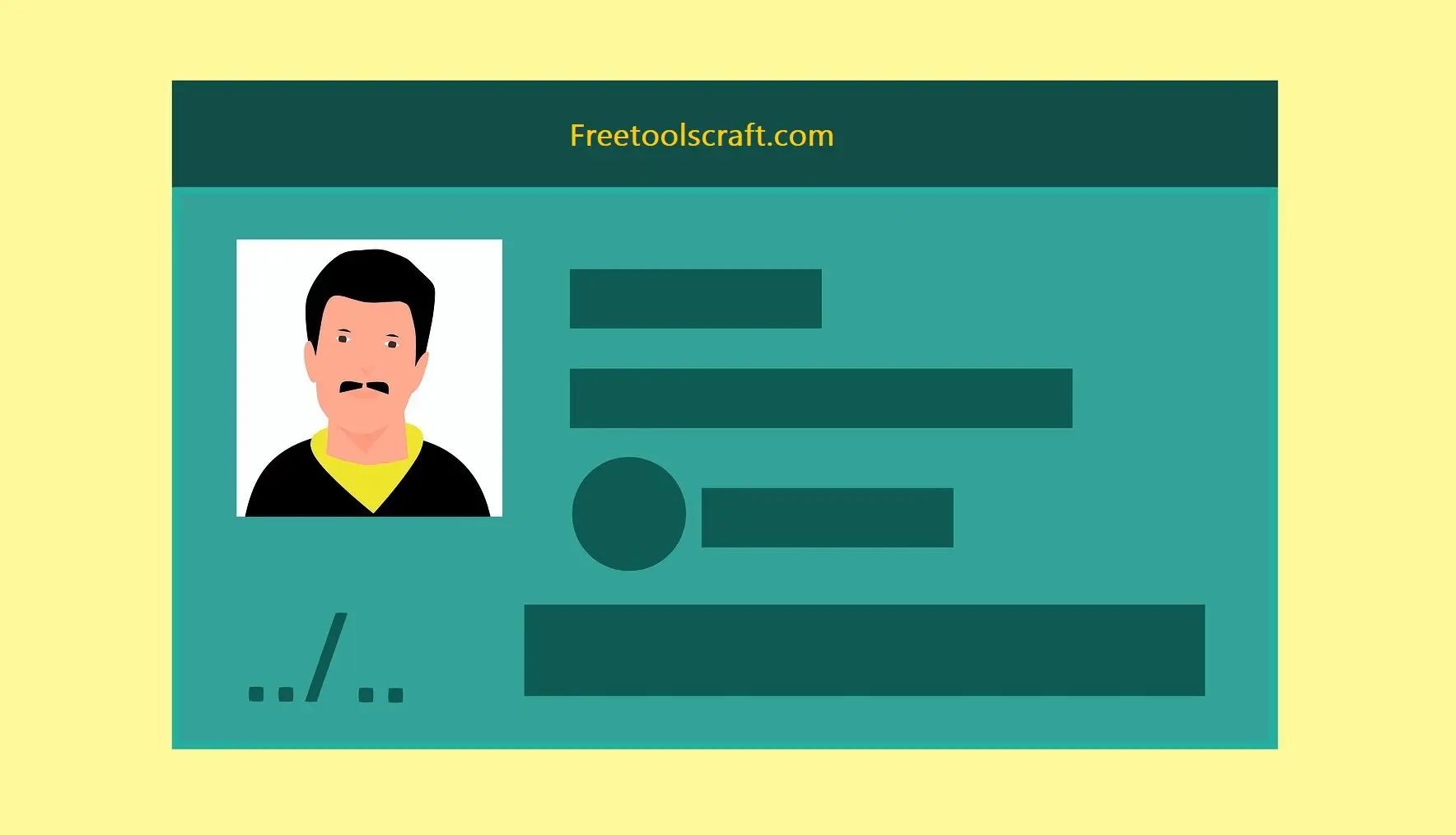
- Photo: Upload a photo, and the tool automatically crops it into a perfect circle with a colored border, adding a “Photo” label beneath it—mimicking standard ID card style.
- QR Code: Click a button to generate a QR code. The tool automatically populates it with the individual’s name and ID number from the form you filled.
- Why it’s useful: It automates the most technical parts of ID creation. The circular photo crop looks professional instantly, and the dynamic QR code adds a layer of modern functionality (e.g., for verification).
- Who should use it: Organizations wanting to add security features or a modern touch to their IDs. Great for event badges where QR codes can link to attendee profiles.
- Robust Export & Output Options
Creating the design is only half the battle; getting it in the right format is crucial.
- What it does: The tool lets you export your final ID card as a PNG or JPG image file with a clean white background, or as a PDF All exports are high quality and print-ready.
- Why it’s useful: PNG/JPG is ideal for digital use (email, profiles), while PDF ensures perfect formatting for professional printing. The forced white background guarantees consistency regardless of your design canvas color.
- Who should use it: This feature ensures the final product is usable in any real-world scenario, from digital databases to physical lanyards.
How to Use the Advanced All ID Card Maker: A Simple Workflow
Select Your Category: Choose from Office, School, College, NGO, or Visitor ID. This sets up the correct template.
Fill & Customize: Enter the individual’s details in the form. Use the live preview sidebar to pick your fonts and colors.
Design & Enhance: Enter the design canvas. Add a photo, upload a logo, insert a QR code. Drag elements to perfect the layout.
Export & Share: Download your finished ID card in PNG, JPG, or PDF format with one click.
Frequently Asked Questions (FAQs)
Q1: Is the Advanced All ID Card Maker really free to use?
A1: Yes, it is completely free. There are no subscriptions, trial limits, or hidden fees. You can create and download as many ID cards as you need without signing up.
Q2: Are my data and uploaded photos secure?
A2: Absolutely. The tool runs entirely in your web browser using JavaScript. Your form data, uploaded photographs, and final designs are never sent to our servers. Your privacy is maintained.
Q3: What are the ideal dimensions for the photo I upload?
A3: The tool is flexible and will automatically crop and resize your image. For the best results, use a clear, well-lit headshot with a simple background. The tool will convert it into a perfect circular image on the ID card.
Q4: Can I save my design template to use again later?
A4: Yes! The tool includes a “Save Design” feature that downloads a JSON file of your canvas. You can upload this file later to restore your exact layout and continue editing, which is perfect for creating batches of IDs with the same design.
Q5: I need help with a specific feature. Where can I get support?
A5: We provide guidance through this article and tooltips within the application. For direct assistance, please see the feedback section below.
Conclusion
The Advanced All ID Card Maker is more than just a simple template tool. It is a powerful, privacy-focused web application that democratizes the creation of professional identification. By handling everything from smart templating and real-time previews to advanced canvas editing and secure exports, it solves the core problems associated with traditional ID card creation.
Whether you’re an HR professional onboarding new employees, a teacher organizing student IDs, or an event manager preparing visitor badges, this tool provides the efficiency, flexibility, and quality you need—all at zero cost.
You may also find our other organizational tools, like our Bulk Image Resizer or PDF Merger, useful for handling related tasks.
For Your Feedback
We are committed to continuously improving the Advanced All ID Card Maker. Your experience helps us enhance its features and usability.
If you have suggestions or face any issues while using this tool, feel free to contact us at freetoolscraft@freetoolscraft.com.